Does SplitRound move money?+
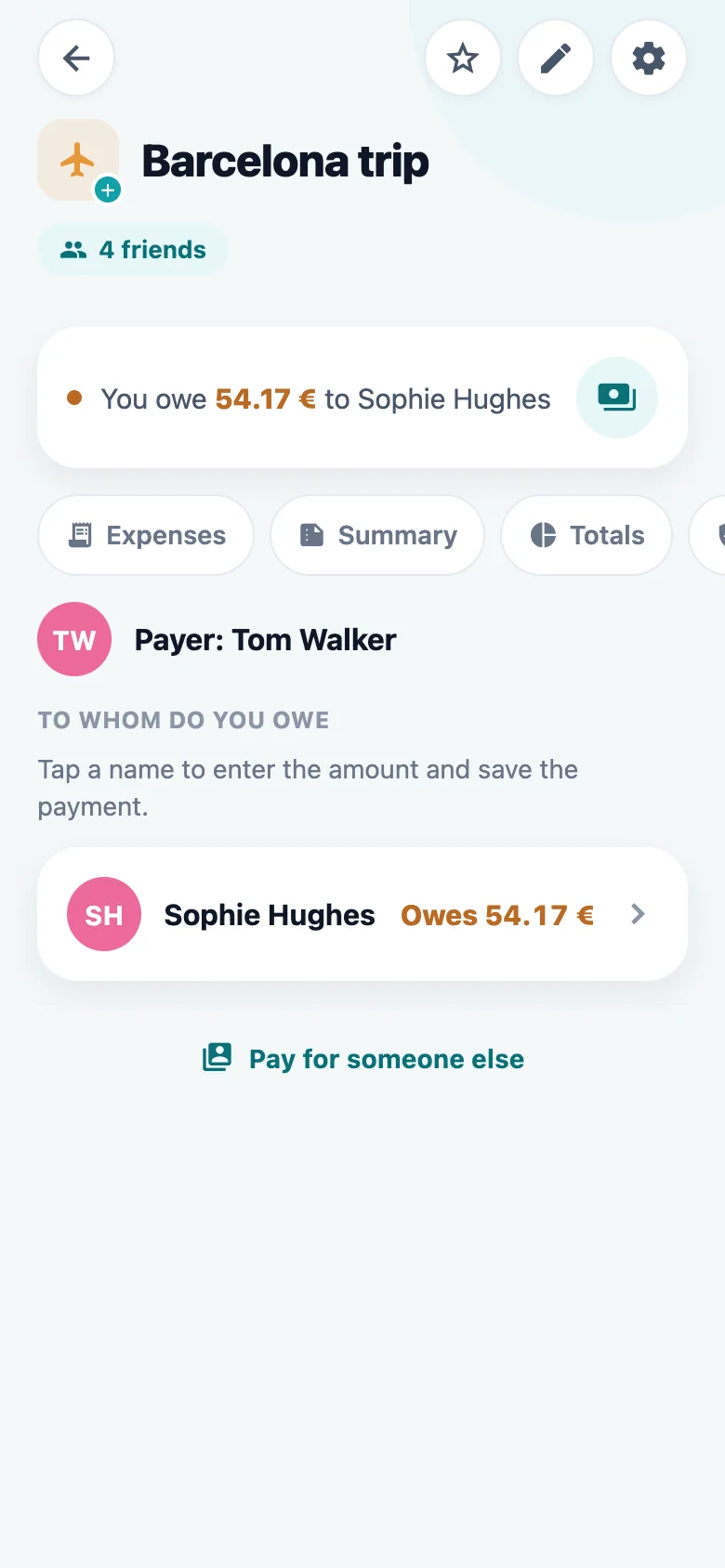
No. It records who owes what and works out the simplest way to clear it. You pay each other however you already do — bank transfer, MB WAY, cash. In Portugal it goes one step further: in a euro group it shows the other person’s MB WAY number and opens MB WAY for you, then writes the payment down once you say it is sent. The transfer itself happens in their app, and there is still no bank or card connection to give SplitRound.
What does it cost?+
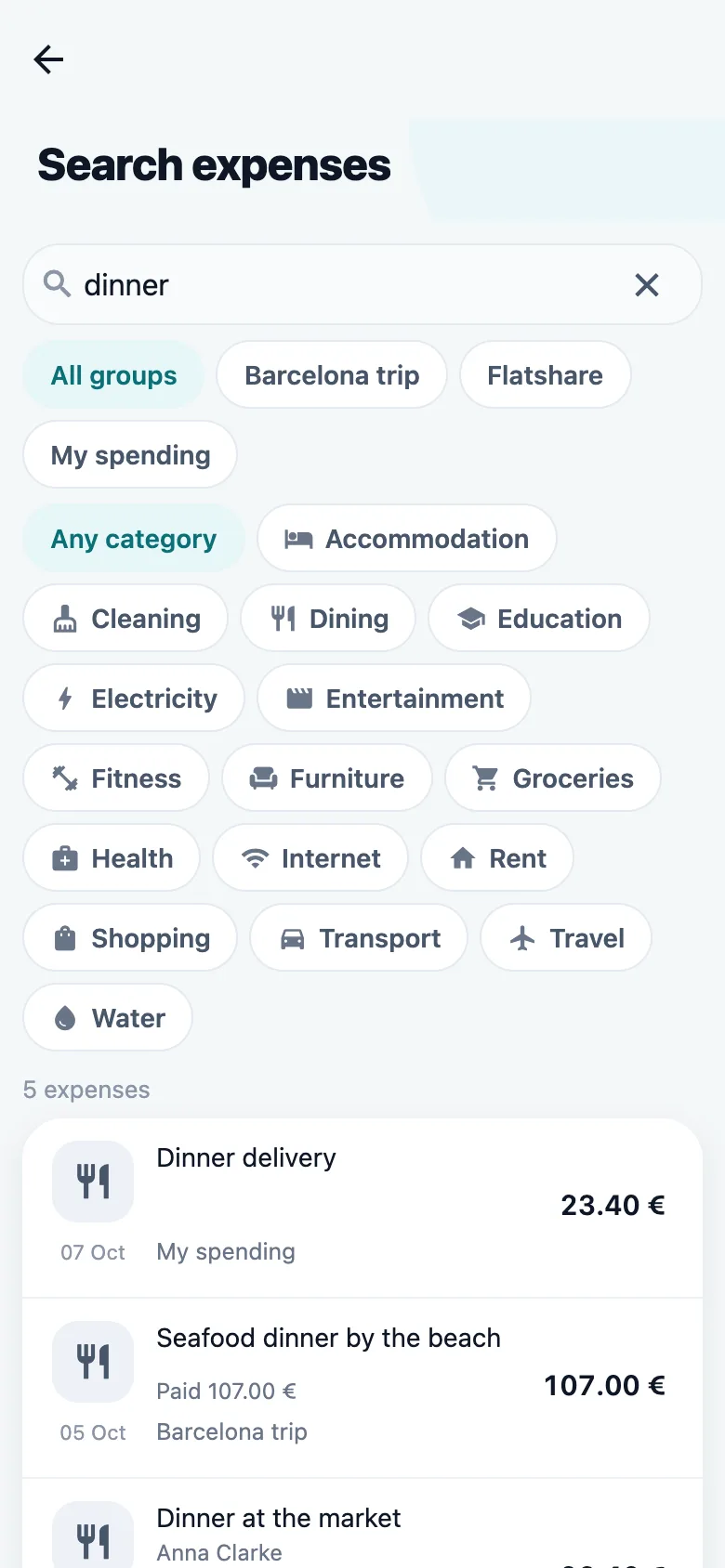
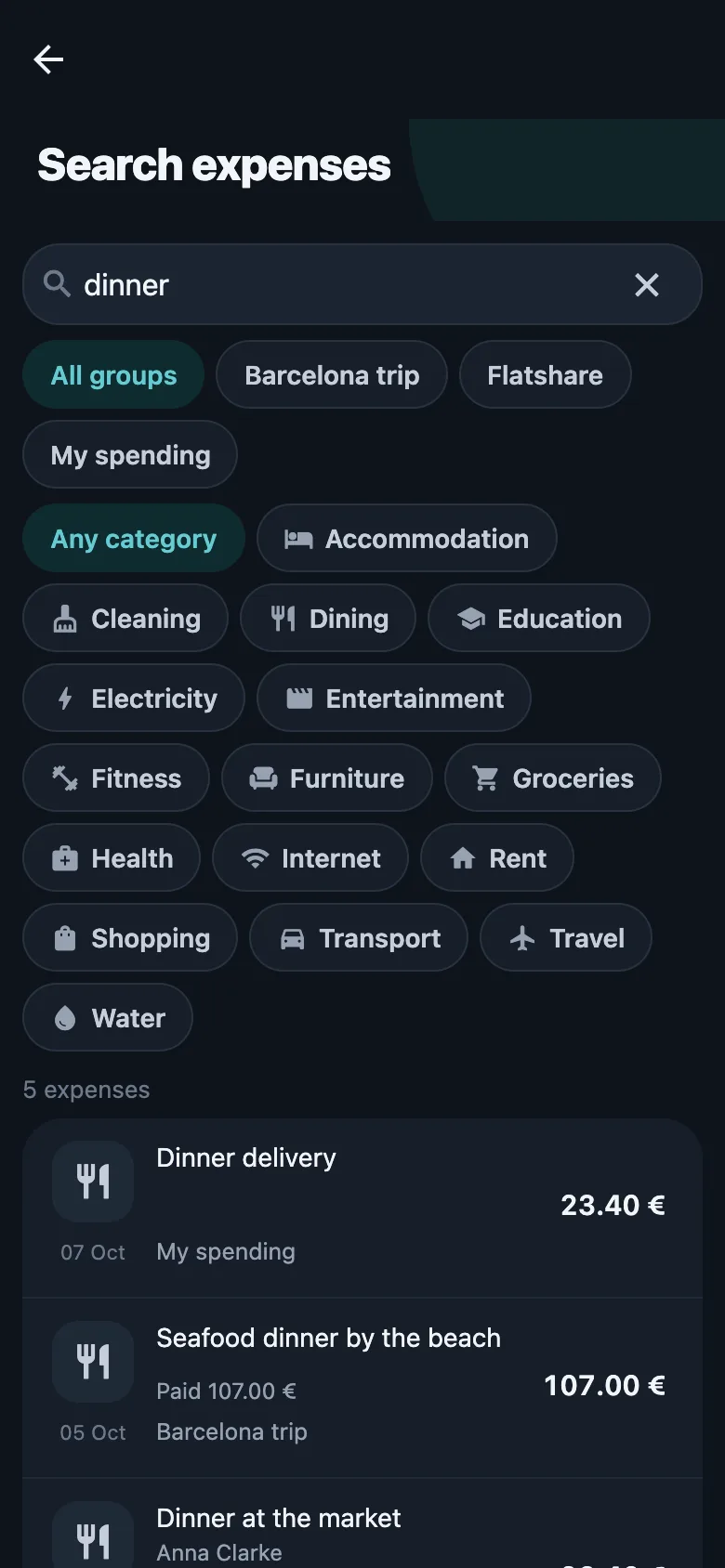
SplitRound is free to use: groups, splits, balances, settling up, receipts and every other everyday thing, with no advertising. The free plan adds up to 5 expenses a day. Premium lifts that limit and adds the things that save the most typing — reading receipts with the camera, saying an expense out loud, splitting a bill line by line — along with search across every group, insights, warranties on more than one expense, and imports. Every account can try Premium free for three months, with no card and nothing that renews on its own; after that it is a monthly or yearly subscription through the App Store or Google Play. Nothing you already saved is ever taken away when Premium ends. And a Premium member can give a whole group a month of unlimited expenses, so the friends on the free plan are not held up by the limit in that group.
Can I lift the daily limit for my friends?+
Yes, in one group at a time. With Premium, open a shared group’s settings and offer it unlimited expenses: for the next 30 days everybody in that group can add as many expenses there as they like, whatever their own plan. Their other groups keep the limit they had, and the rest of Premium stays Premium. Each member can offer it once per group, only one offer can run at a time, and it cannot be taken back once it has started — though it stops early if the person who offered it leaves the group or stops sharing its expenses. Everybody in the group can see who offered it and when it ends.
Can I add an expense without typing?+
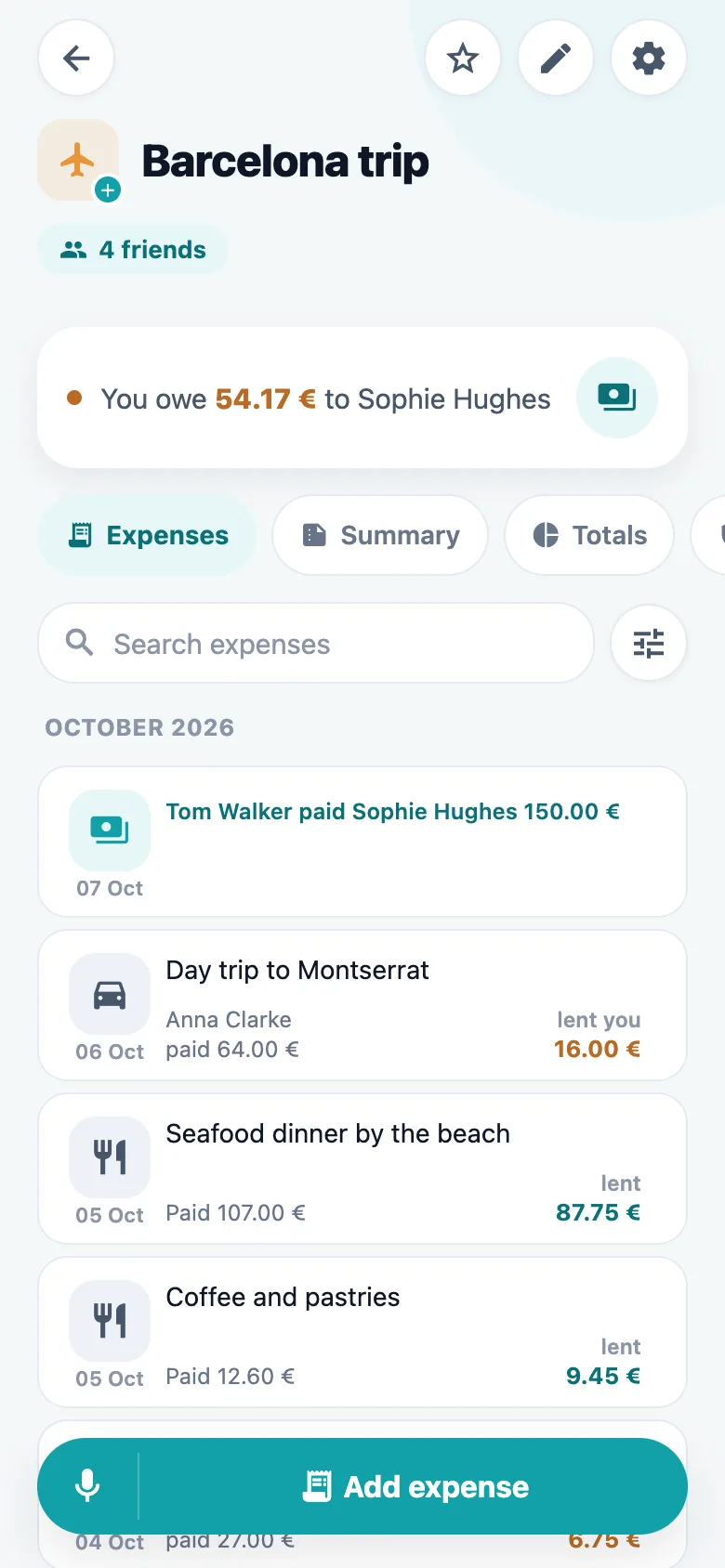
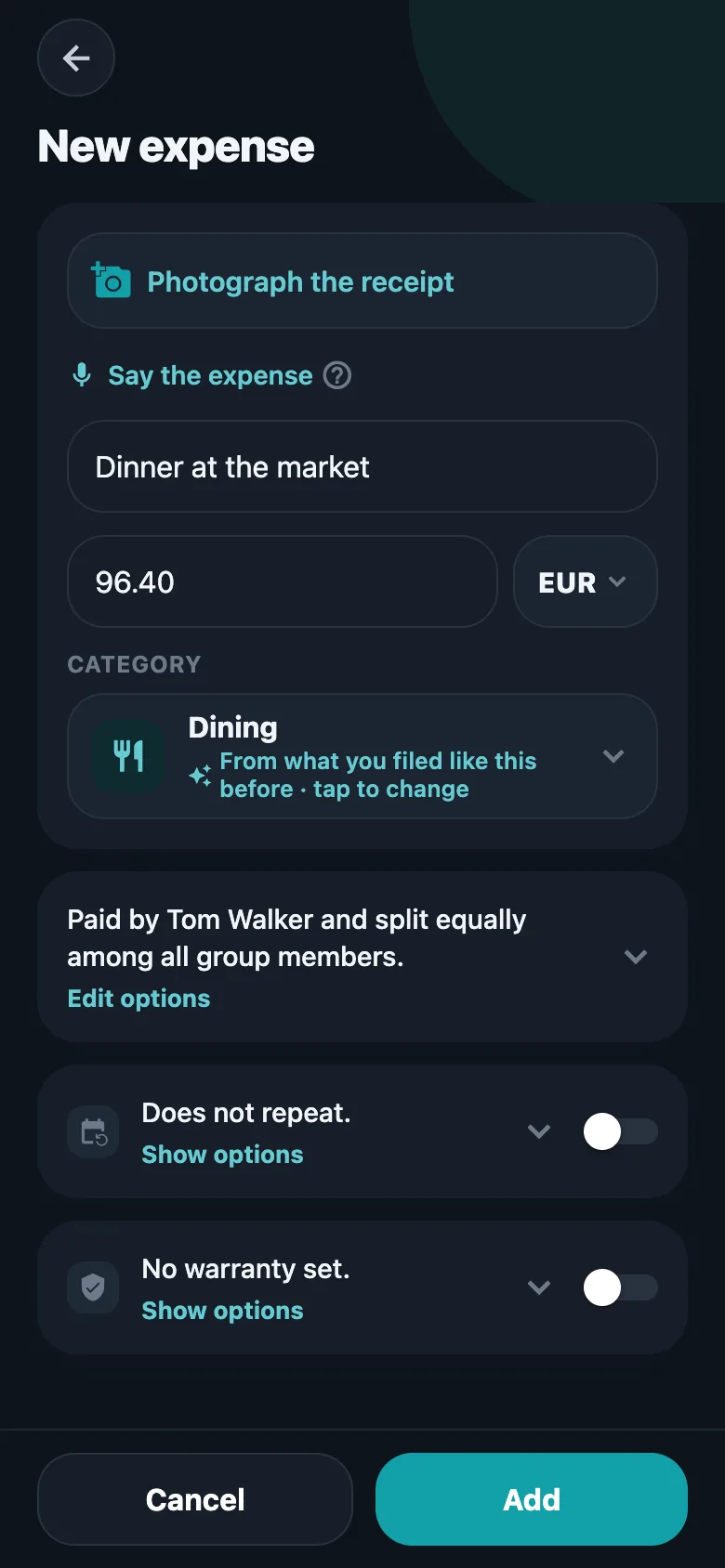
Yes — say it. Tap the microphone beside a group’s Add expense button and say something like “dinner at Ramiro yesterday, 62.50, paid by Anna”. SplitRound reads the description, the amount, the currency, the day, who paid and who was there, in any of its six languages. If the sentence had a description and an amount, the expense is added straight away, with a few seconds to take it back; if not, the form opens with whatever was heard already filled in. The same microphone sits inside the expense form. Voice entry is part of Premium.
Can we split by what each person ordered?+
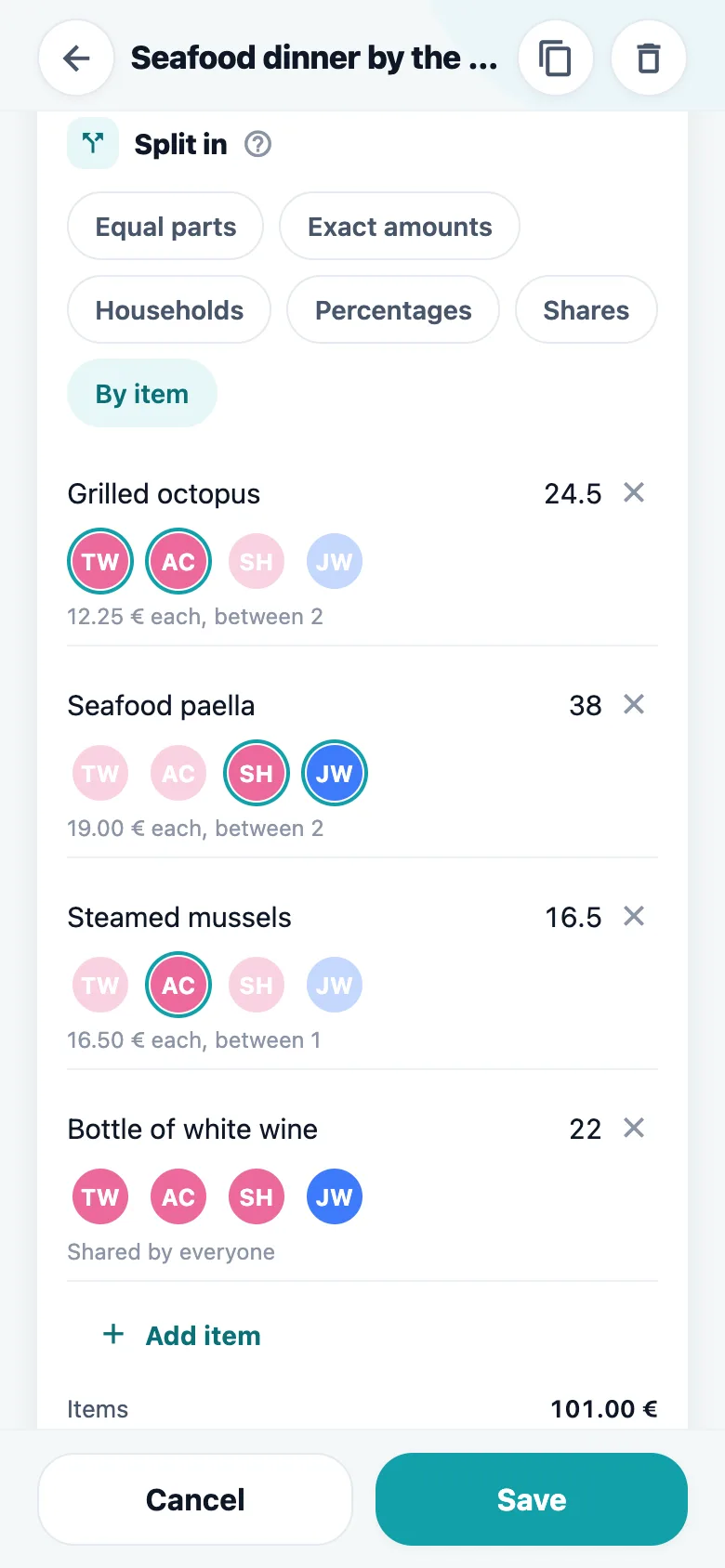
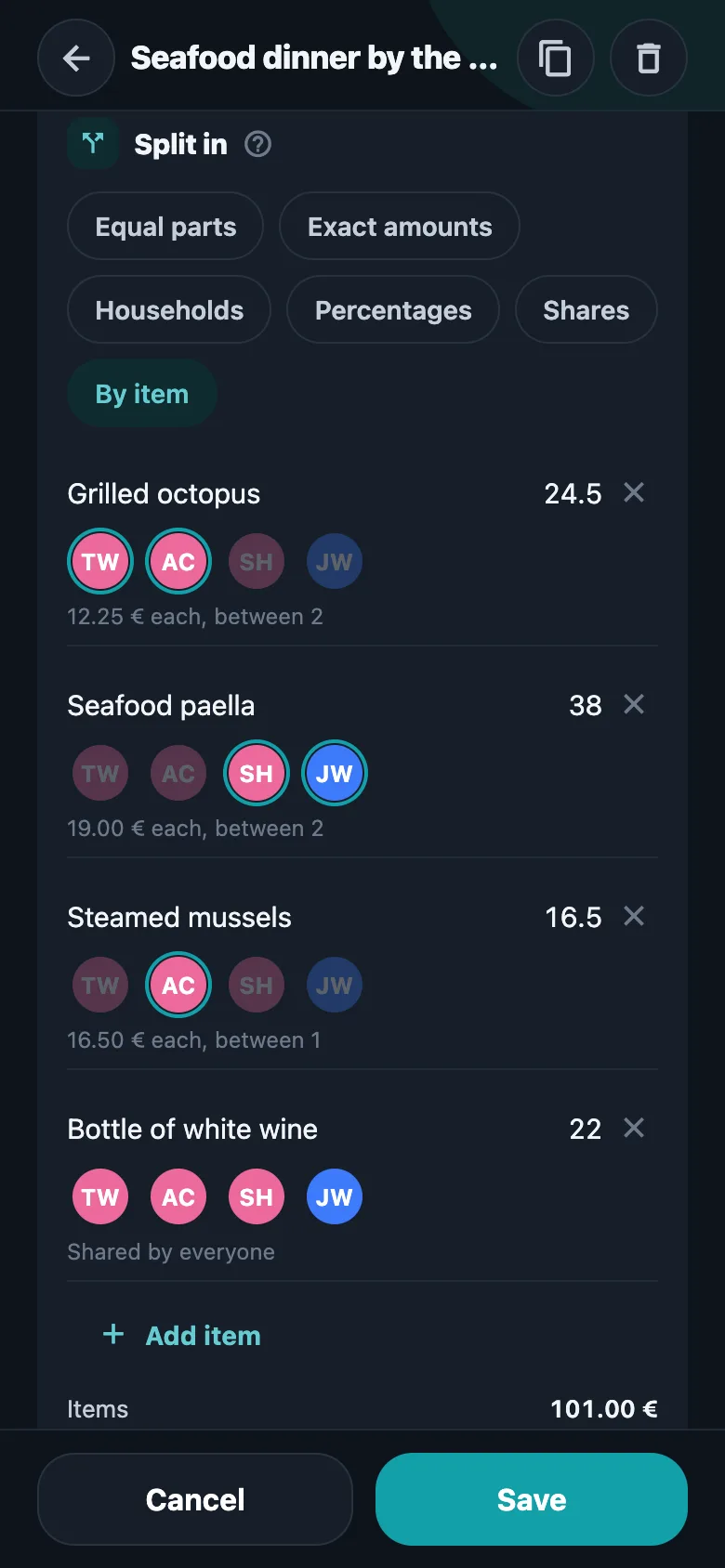
Yes. Split the bill line by line: tap the faces under each line to say who had it, and leave a line with nobody on it to share it across the table. Service, tax and anything else between the lines and the total is shared equally, the same as a line nobody is on. With receipt reading on, the lines are read off the photo and waiting for you. The line-by-line split is part of Premium.
Can I use it just for my own spending?+
Yes. Make a personal group for your expenses, receipts and warranties, with a budget if you want one and nothing to split. It can stay yours alone, or hold a household that keeps its receipts in one list — nobody in a personal group ever owes anybody anything, and only the people in it can open it.
Can I see what I spend, not just who owes what?+
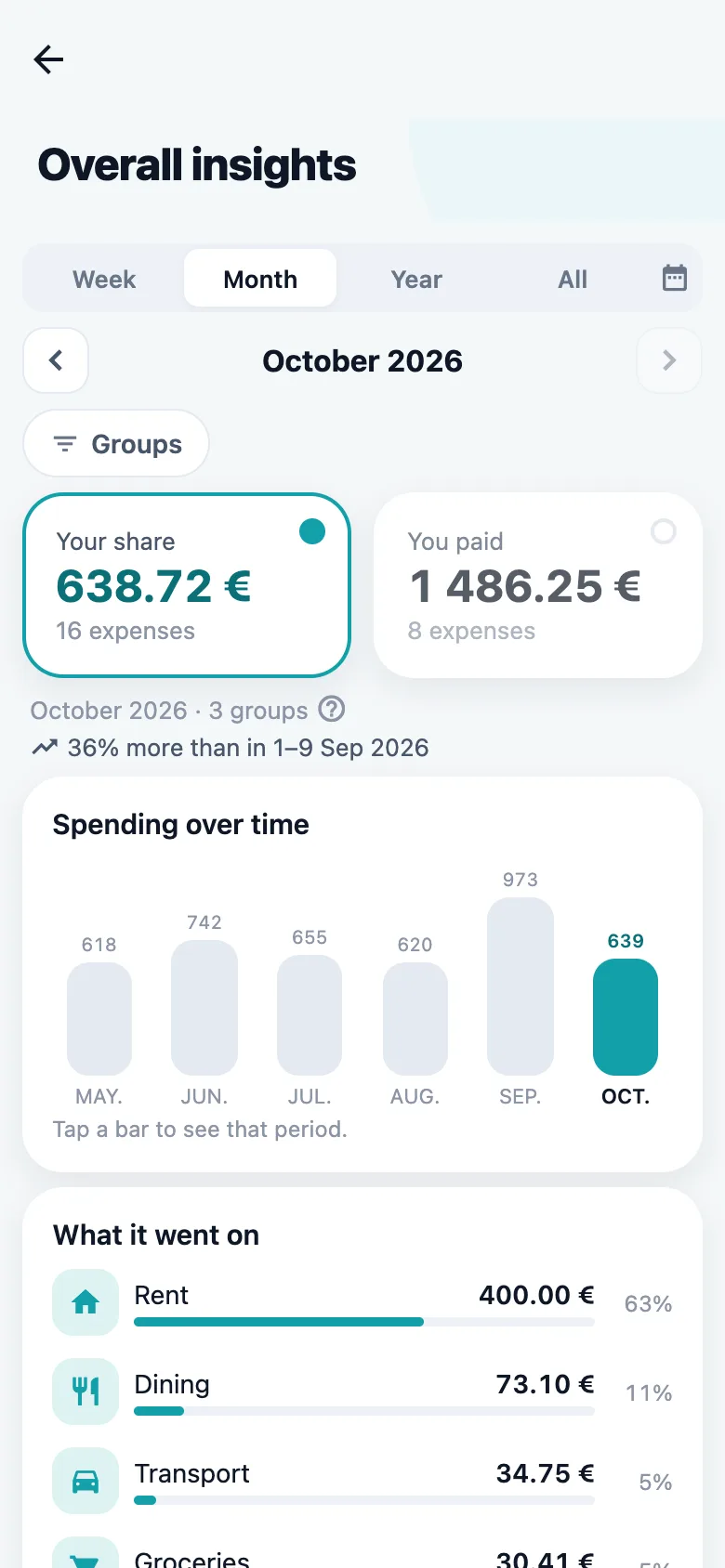
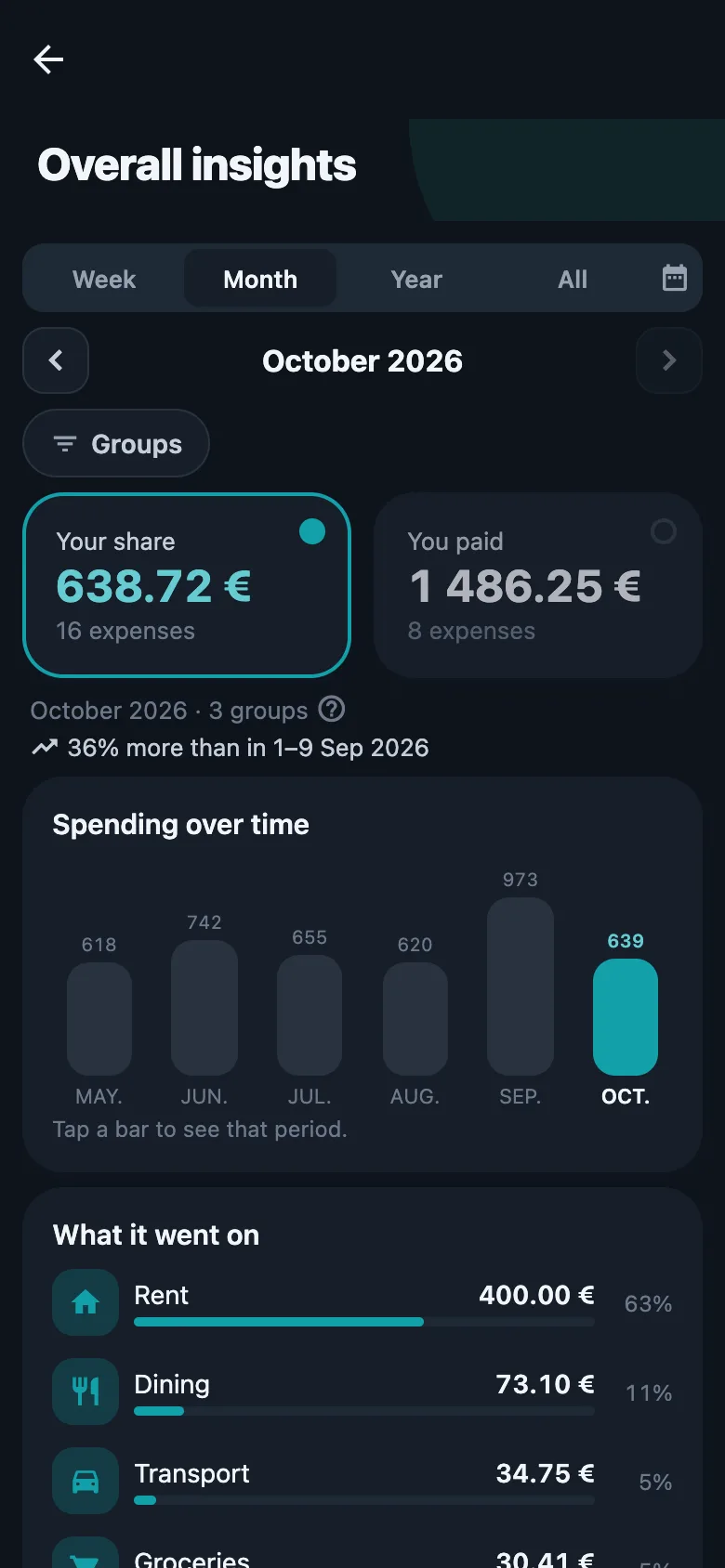
Yes. Every group has a totals screen: the last months as bars, spending by category with what each one took of the period, and the group’s total beside your own share of it. Read it for this month or for everything since the group started. Set a budget — weekly, monthly, yearly, or one cap for all time — and it also marks how far through the period you are, so 86% spent tells you something different on the 25th than on the 3rd. Settling up never counts as spending.
What if we are not all paying an equal share?+
Set how the group divides an expense once and every new one opens that way — by shares, by percentages, or between the households, where you say who lives with whom and each household pays for everyone under its roof. Six at the table can be three parties. And somebody who carries no share at all — the person who records everything and pays for nothing — can stay in the group and be left out of the accounts.
Can I bring history over from another app?+
Yes. A Splitwise export, or a CSV or Excel file in the same shape, fills a group: the names in the file are matched against your own friends and you confirm each one before anything is written. An import replaces that group’s expenses rather than adding to them, so it is for filling a new group from elsewhere, not for topping one up. Importing is part of Premium.
Do I have to type the amount in?+
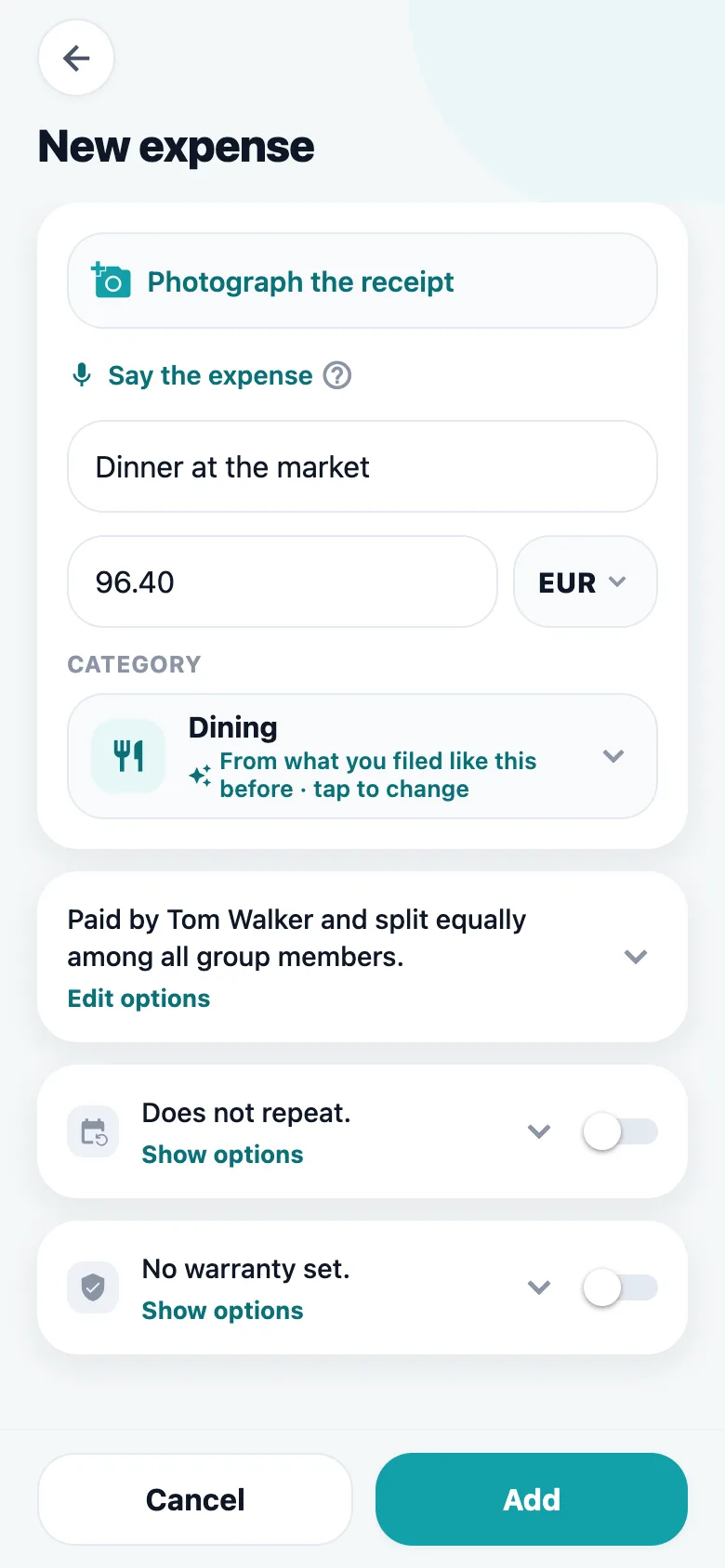
Not if you photograph the receipt, or pick the PDF invoice you were emailed. SplitRound reads it on the phone itself and fills in the description, the amount, the currency and the category — and, for a split line by line, the bill’s lines too. If it reads the wrong line, tap the right one on the photo; and if you would rather type, the filling-in can be switched off while still picking values off the picture. Or skip the receipt and say the expense out loud. Reading receipts and voice entry are part of Premium.
Can it keep track of warranties?+
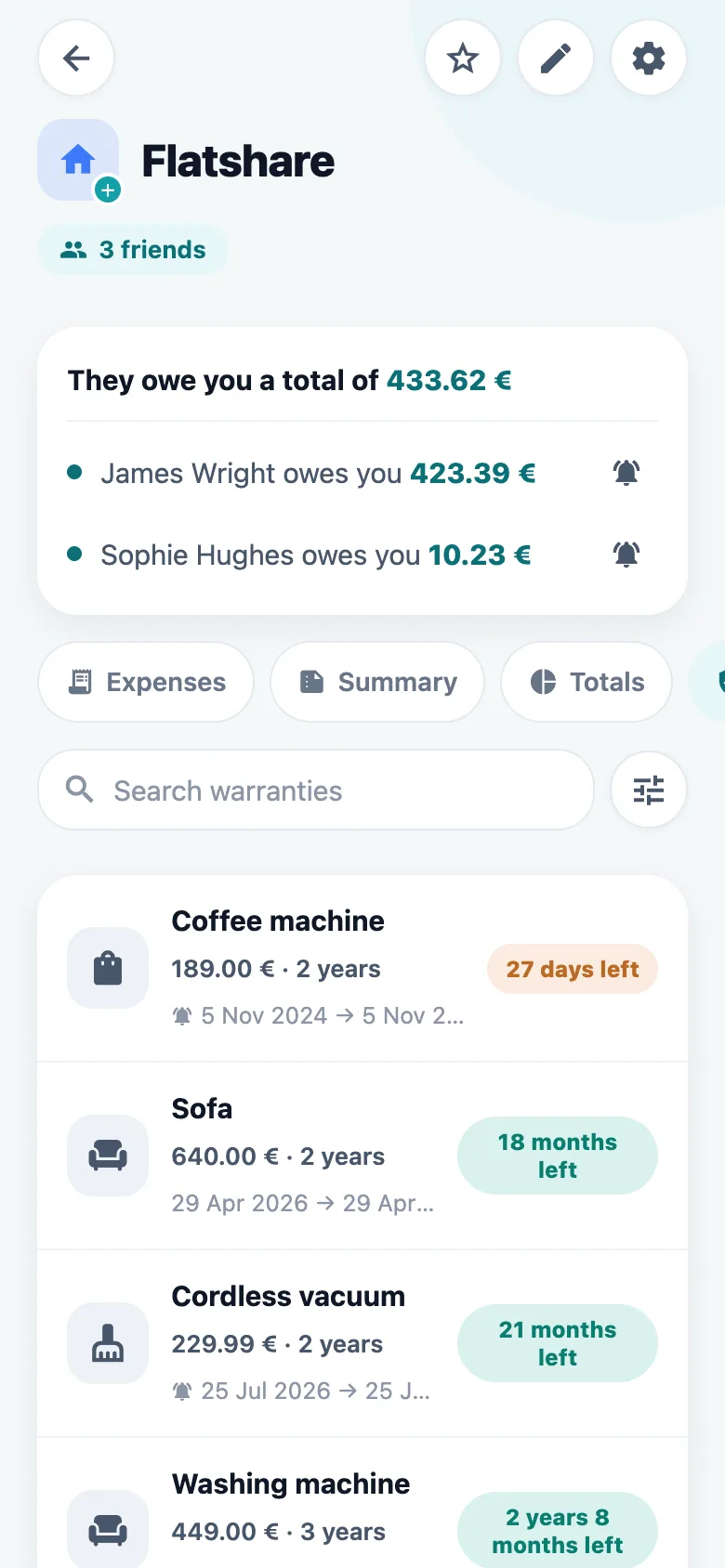
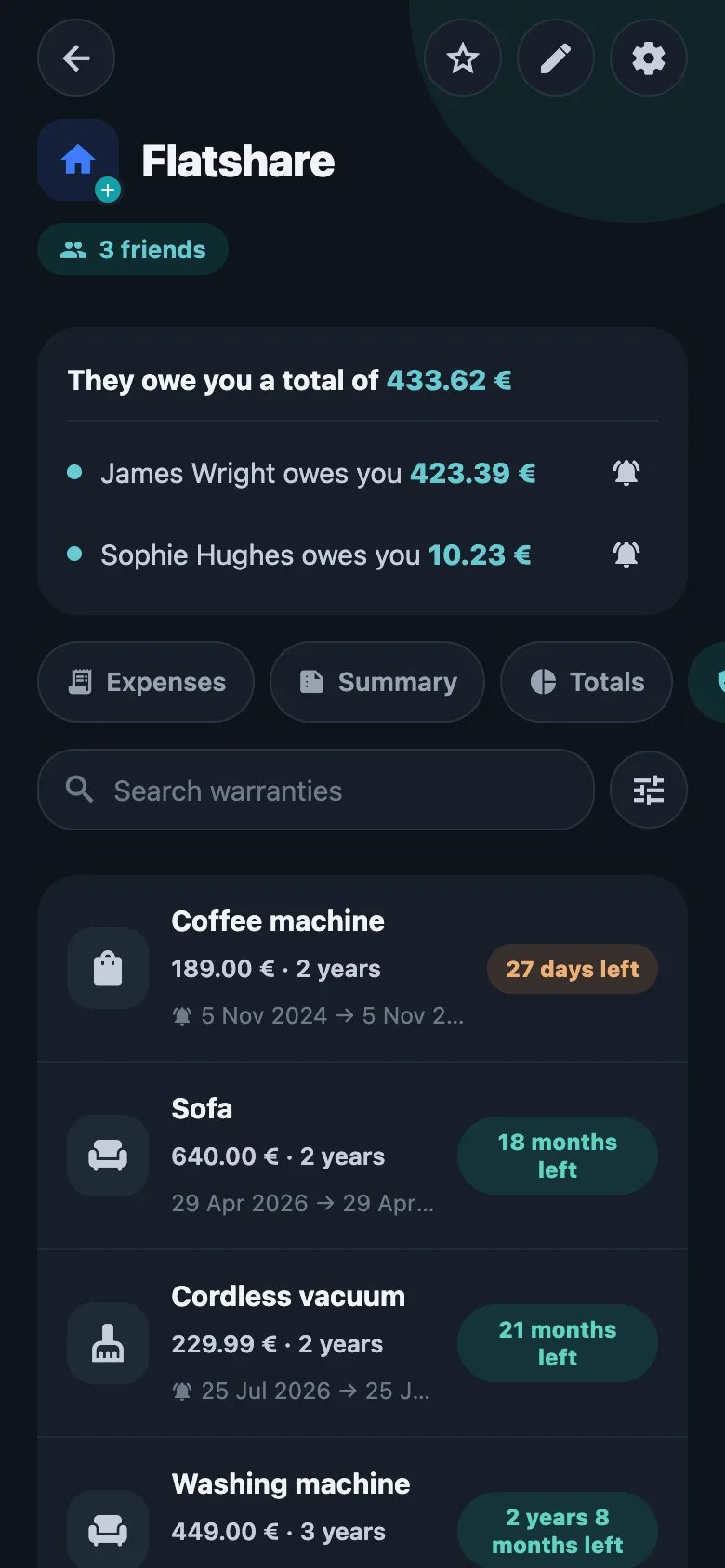
Yes. Put the purchase date and the cover length on the expense, and the group keeps a warranty list ordered by what lapses next — narrowed to a category, or to what ends in the next 30 days, three months or year. Switch the reminder on and a notification arrives a month before cover runs out. A warranty on one expense is free on every account; more than that is part of Premium.
Can I split with someone who has not installed it?+
Yes. Add them as a friend with just a name, split with them straight away, and send them an invitation when you like. When they join, the history they were part of is already there.
Does it work in more than one currency?+
Yes. Log an expense in the currency you actually paid in; exchange rates are refreshed daily so a group’s totals still add up in yours.
Can I export a group to PDF?+
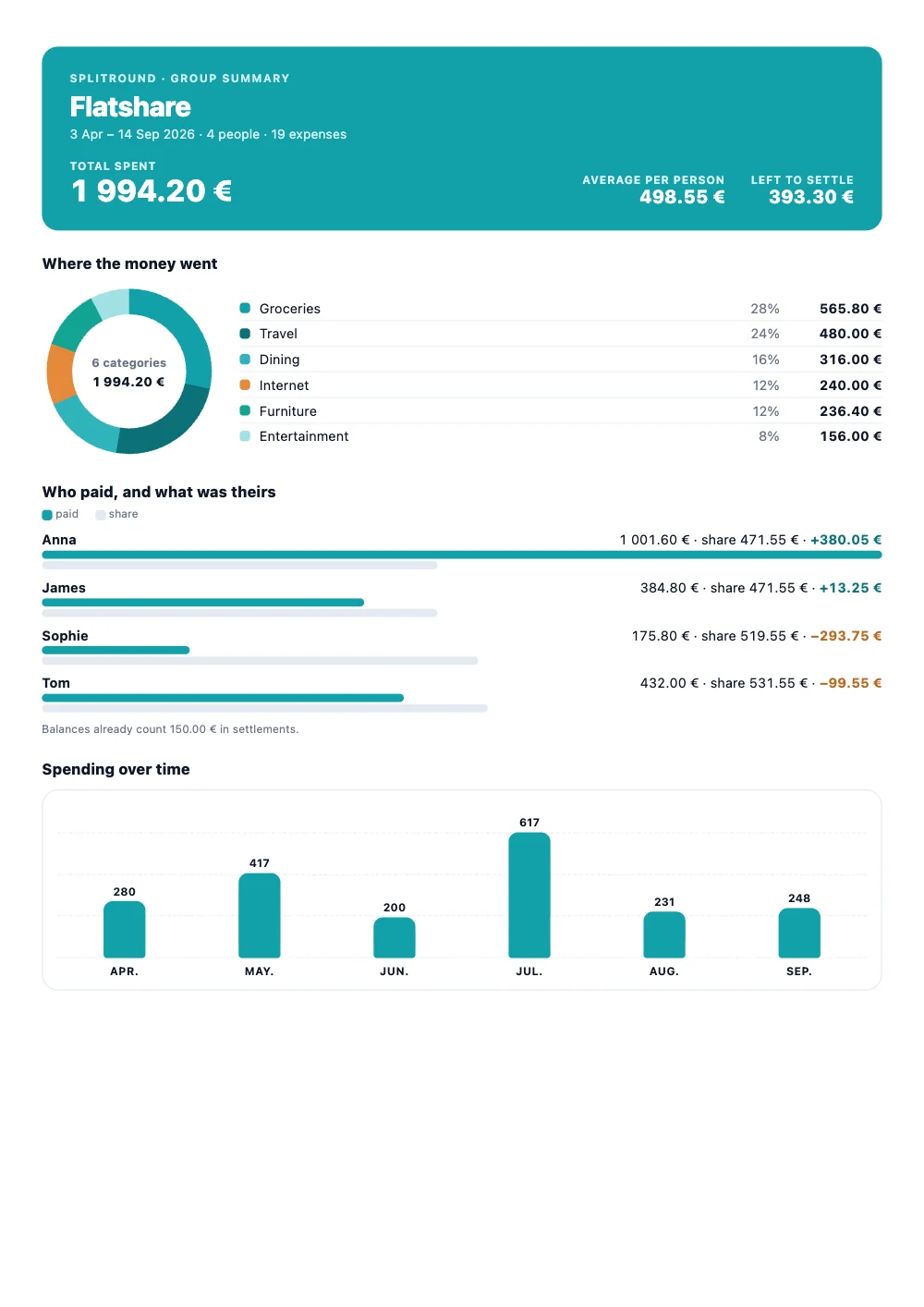
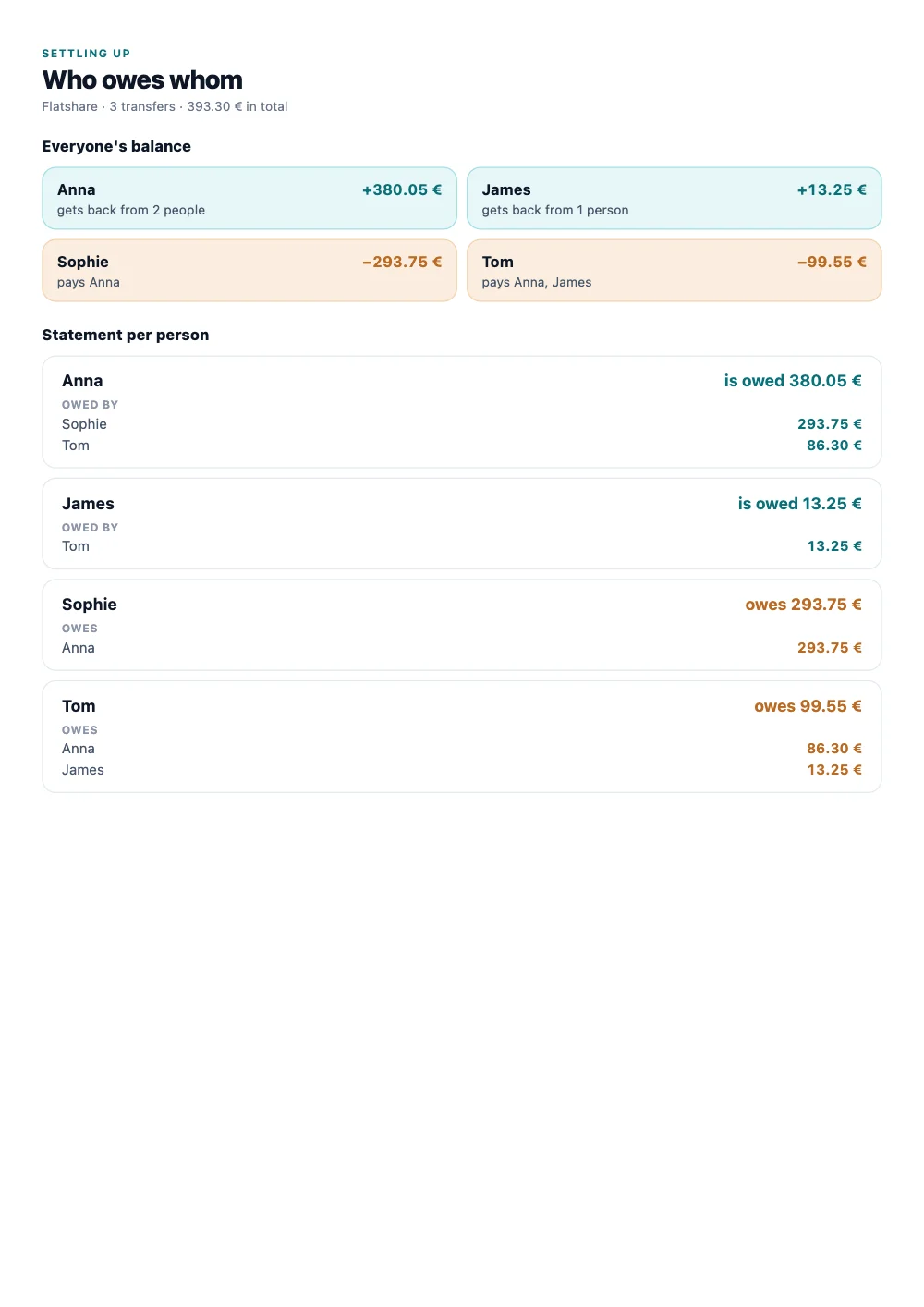
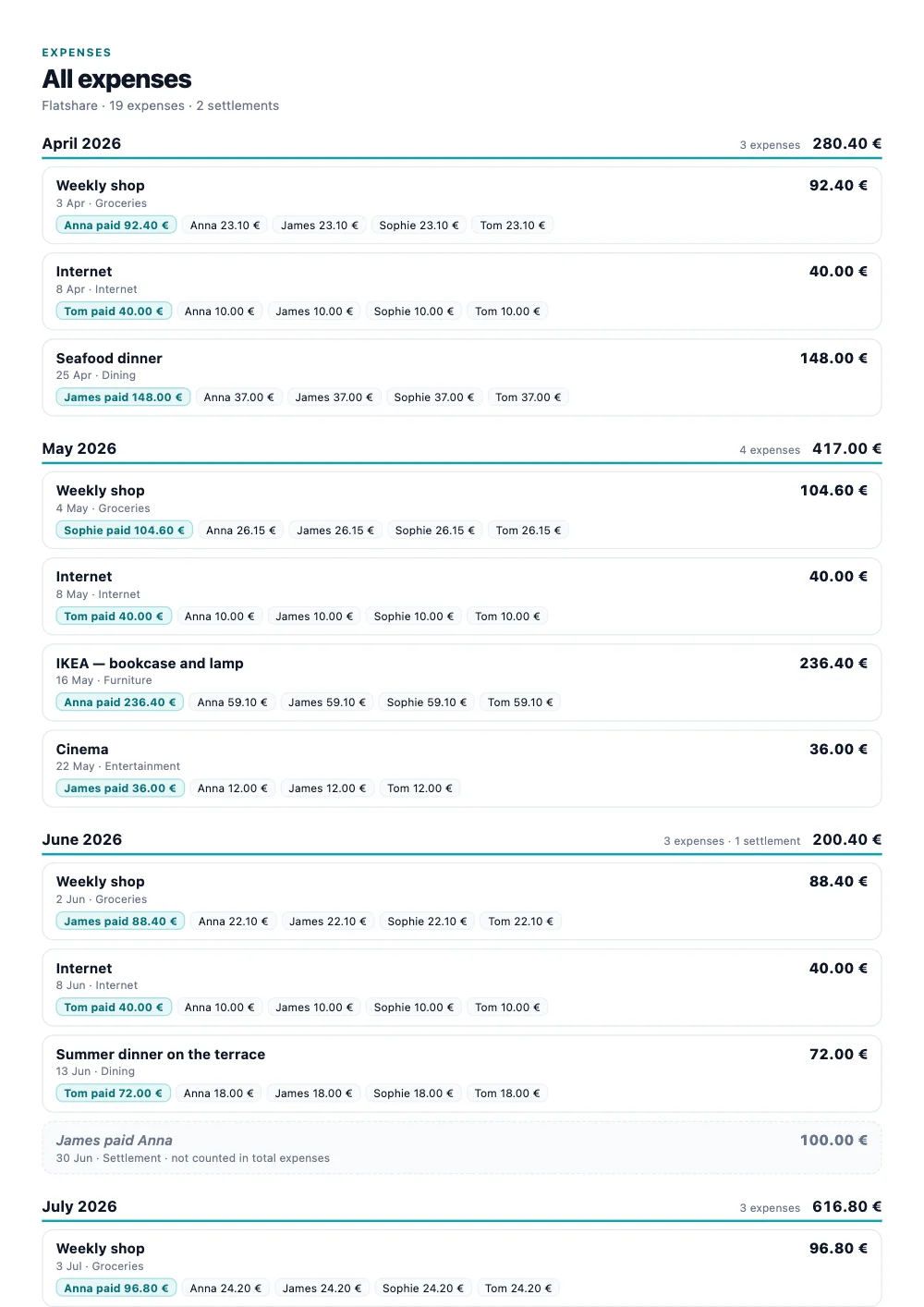
Yes. From a group’s Export screen, share it as a PDF: a first page with the total spent, the average per person, what is left to settle, spending by category, what each person paid against their share and a bar for every month; a page of who owes whom, with a statement per person; and every expense, month by month, with who paid and what each person carries. It is A4, in the language you use the app in, and ready to send to the group or keep for the record. The whole expense sheet also exports as an Excel file. The PDF is part of Premium; the Excel export is free.
What happens to my data if I leave?+
You can close your account from inside the app, and it is emptied straight away. Expenses you shared with a group stay with that group — other people’s balances depend on them — and they keep your name, because that is how the people still in the group read them; the app shows the account as closed. Your email, phone, password and photo are hidden at once and deleted for good after 30 days, in case you change your mind.
Want the exact rules — who owns a group, what leaving does, how a split is worked out? How SplitRound behaves answers all of it.