
Split group expenses without doing the maths.
Track your expenses and split bills with friends.
Add an expense, pick who paid and who shares it, and see straight away who owes whom. SplitRound keeps every balance straight — in any currency, on a plane or in a basement bar.
- No ads
- No trackers
- No bank connection
- Delete it all whenever
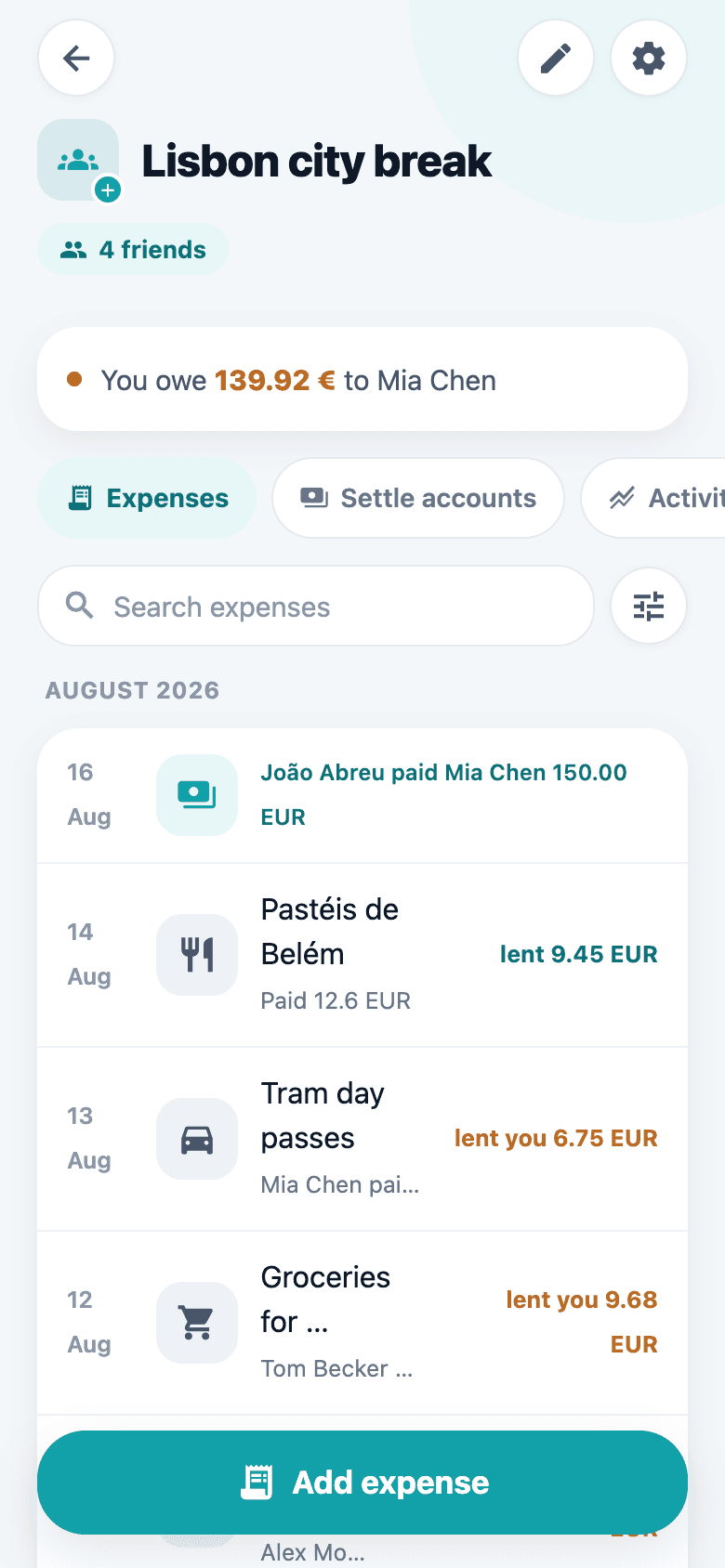
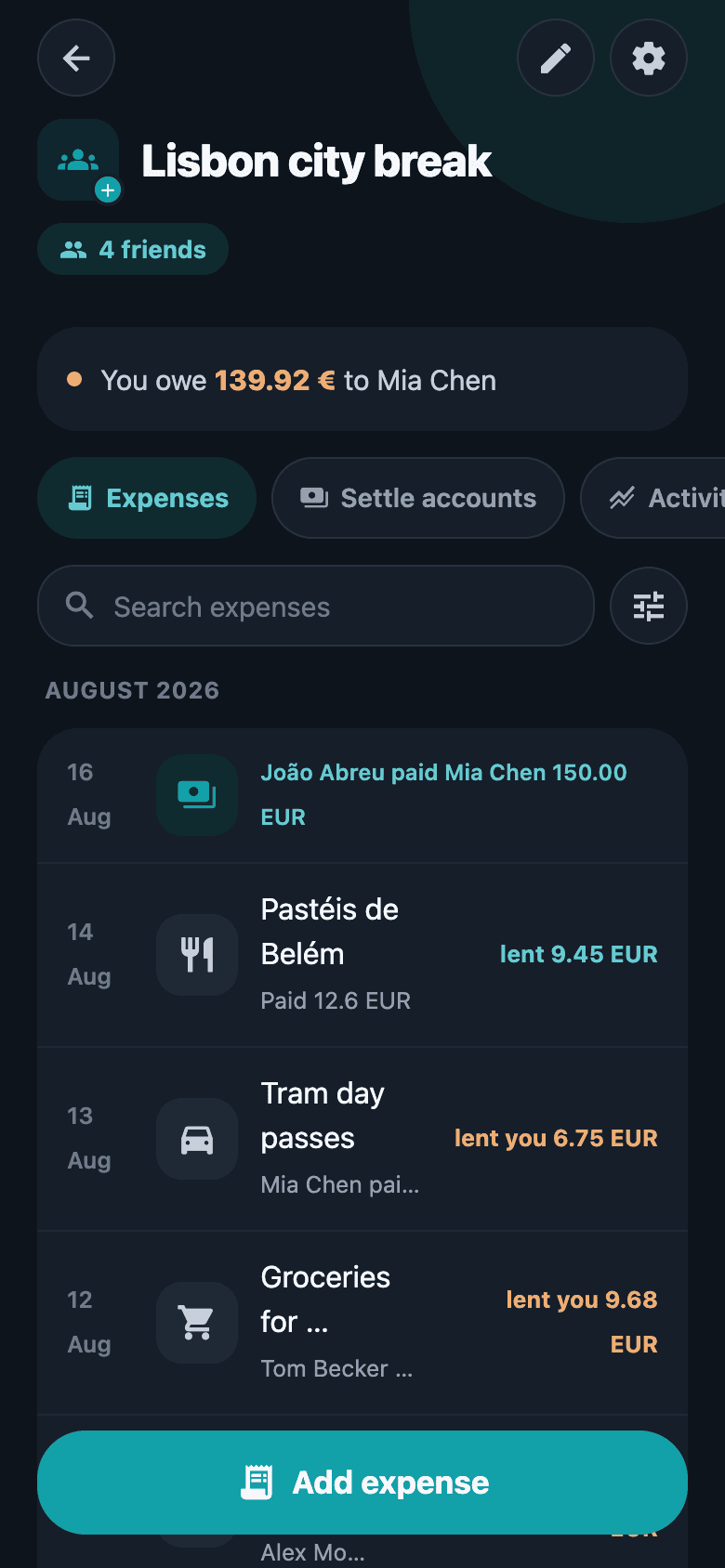
It starts with a group. It does not end at the receipt.
Four things worth knowing before you start: a group shaped around whatever you actually share, a receipt that fills the form in for you, the spending laid out where it went, and every warranty inside it kept in view.
A group for whatever you share
A group is where a ledger lives. Give it a name, a photo and the currency its balances are read in, then add friends from your list or send whoever is missing an invitation — nobody needs an account before you can split with them.
- Shared or personal: a group of one holds your own spending, receipts and warranties, with nothing split and nobody else ever in it.
- Home, travel, work or other, so a long list of groups still reads at a glance.
- Its own base currency. Log an expense in what you actually paid and read the balances in one.
- How it divides an expense by default: equal parts, shares, percentages, or between the households.
- Room for somebody who pays for nothing — in the group, out of the accounts, still seeing all of it.
- Whoever made the group looks after it, and if they leave it passes to the longest-standing member rather than to nobody.
New group
Group name
Férias
Type
Base currency
EUR · €Balances are shown in this currency. Expenses can be logged in any currency.
Let the receipt fill in the form
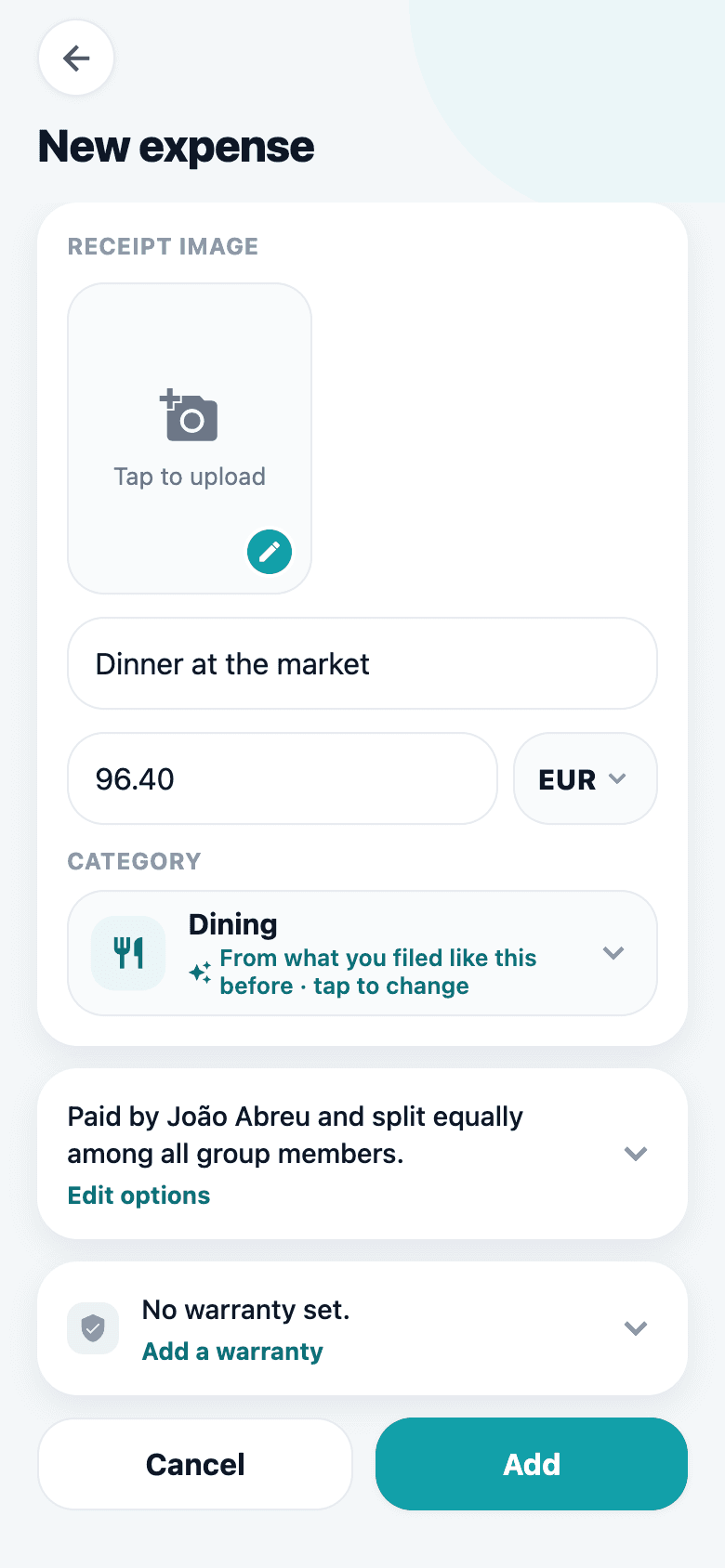
Photograph the receipt and SplitRound reads it: the shop becomes the description, the total becomes the amount, and the currency and category come with them. If it picks the wrong line, tap the right one on the photo instead of typing anything.
- The reading happens on the phone itself — Apple Vision on iOS, ML Kit on Android. Nothing is uploaded, and no receipt of yours reaches a server.
- The amount, the description and the date each have their own picker: tap the number, the shop’s name or the printed date straight on the photo.
- Every guess arrives in an ordinary editable field, because reading a receipt is guesswork — you confirm or correct it before saving.
- Would rather type it yourself? Switch the filling-in off and scanning still attaches the photo and still lets you tap values off it.
Tap the total on the receipt
MERCADO CENTRAL
Read on the phone itself. The photo stays on the expense.
Not only who owes whom — where it all went
Balances answer one question. The totals screen answers the other: what this group actually spends, month by month and category by category, with your own share of every figure. Put a budget on it and the bar shows the pace as well as the amount — 86% spent means one thing on the 25th and quite another on the 3rd.
- The last months as bars, each one the group’s total with your own share inside it rather than beside it.
- Spending by category, largest first, with what percentage of the period each one took.
- This month, or everything the group has spent since it started.
- A budget — weekly, monthly, yearly, or a single cap for the whole trip — in the group’s own currency.
- Payments between members never count towards it. Settling up is not spending.
- In a personal group the same screens are simply yours: what you have spent this month, and what it comes to.
Totals
This monthTotal expenses
€ 1.284,60
Your share
€ 412,20
32% of the total
Monthly budget
€ 215,40 left of € 1.500
86% spent, 80% of the month gone. Settling up never counts as spending.
Spending by category
- Groceries€ 486,10 · 38%
- Dining€ 331,00 · 26%
- Transport€ 218,50 · 17%
- Rent€ 249,00 · 19%
Every warranty, and the day it runs out
Any expense can carry its warranty — the date on the receipt and how long the cover lasts. The expiry is worked out from those two facts every time it is shown, so correcting a purchase date never leaves a stale end date behind.
- Six months, one, two, three or five years in a tap — or type the exact number of months.
- The group’s warranty list, soonest to lapse first, with cover that has already run out kept out of the way until you ask for it.
- Search it, or narrow it to a category and to what ends in the next 30 days, three months or year.
- A push notification a month before cover ends, to whoever switched the reminder on.
- In a personal group it is your own paperwork: the fridge, the phone, the laptop, all in one place.
Warranties
Next 3 months- 1 year left
Washing machine
3 years · € 549,00
12 Mar 2024 → 12 Mar 2027
- 12 days left
Laptop
2 years · € 1.299,00
4 Sep 2023 → 4 Sep 2025
- Expired
Coffee machine
1 year · € 189,00
8 Feb 2023 → 8 Feb 2024
Everything a shared ledger needs. Nothing it doesn’t.
Built for the group that keeps splitting things for years, not for a single dinner.
A group for anything shared
Make one for the flat, the trip or the team, each with its own base currency — or a personal group of one, just for your own spending.
Splits that fit real life
Equally, by shares, by exact amounts or by percentage — including the person who only had the starter.
Fewest payments to settle
Turn a tangle of debts into the shortest list of payments that clears the group, then record them in a tap.
Where the money actually went
The last months as bars, and spending by category with what each one took of the period — the group’s total with your own share inside it.
A budget that shows the pace
Weekly, monthly, yearly, or one cap for the whole trip. The bar marks how far through the period you are, because half the budget on day 3 is not half on day 25.
Any currency, one total
Log the expense in the currency you paid in. Rates are refreshed daily so group totals still add up in yours.
Receipts on the expense
Attach the photo where the charge lives. The category is guessed from the description, so tidy data costs nothing.
The receipt types it for you
Photograph it and the shop becomes the description, the total becomes the amount — read on the phone itself, never uploaded. Tap the right line on the photo if a guess is off.
Warranties you still have when it breaks
Record the purchase date and the cover on the expense. The group’s warranty list shows what is still running and what lapses next, and a reminder arrives before it does.
Recurring expenses
Rent, the streaming bill, the cleaner — set the cadence once and each one posts itself when it comes due.
Six at the table, three households
Two couples and a family of two settle up as three parties. Say who lives with whom once, by dragging names under a roof, and every expense reads the shares off that.
Categories in your own words
Add the ones your group actually spends on, each with its own icon and colour. They belong to the group, so everyone sees the same list.
Find the one expense
Search what it was called, or narrow the list by who paid, by category, by the month it landed in and by the amount it sat between.
Comments and mentions
Ask what a charge was for underneath the charge itself, and mention someone to pull them into it.
Told the moment it changes
Push notifications and an activity feed for every expense added, edited or deleted — plus a gentle settle-up nudge.
Exports that survive an audit
The whole expense sheet as Excel, or who owes what per person as a PDF — for the shared-house spreadsheet, or for a claim.
Bring the history with you
Fill a new group from a Splitwise export or a spreadsheet. The names in the file are matched to your own friends, and you confirm each one before anything is written.
Invite anyone, wait for nobody
Add a friend before they have an account, split with them straight away, and their history is waiting when they join.
Works with no signal
Add expenses on the plane or in the basement bar. They queue on the device and sync the moment you are back.
Locked to you
Turn on the app lock and your phone’s own biometrics or passcode stand in front of your ledger.
No ads, no trackers
The app carries no advertising SDKs, no analytics and no trackers at all, and nothing about you is sold. No bank connection either, because SplitRound never moves money.
Three steps, then never think about it again
- 1
Make a group
One for the flat, one for the trip, one for the five-a-side — or a personal one, just for you. Pick the currency its balances are read in, then invite people by link or code; they do not need an account yet.
- 2
Add what you paid
Amount, who paid, who shares it. Attach the receipt if you want it on the record. That is the whole ritual.
- 3
Settle up
SplitRound reduces the web of debts to the fewest payments that clear it, and marks them off once they are made.
What it looks like
The whole app, screen by screen.
Every group, one balance
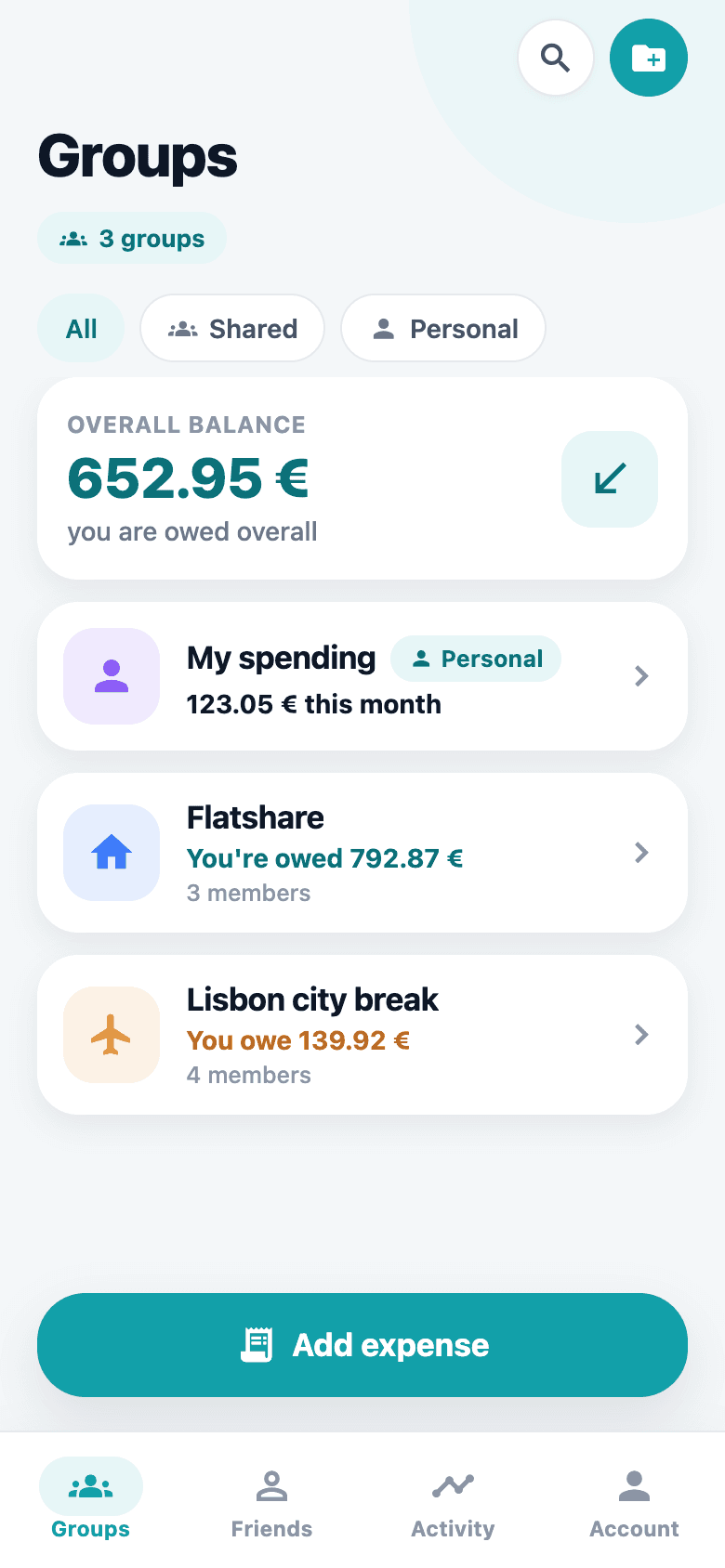
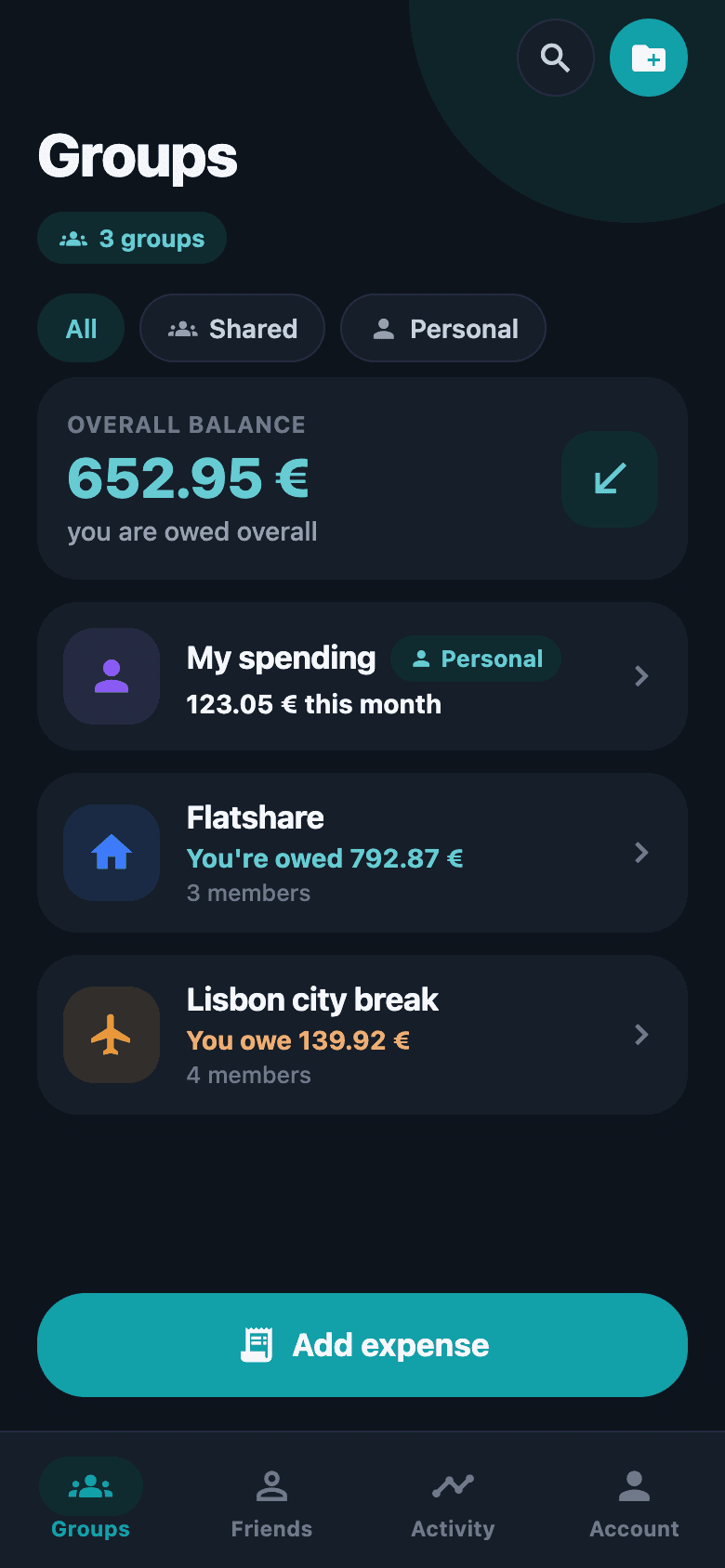
Flatmates, a weekend away, the running dinner club — each group keeps its own ledger, and the top of the screen tells you the only number that matters: what you owe, or what you are owed, across all of them.
Add an expense in seconds
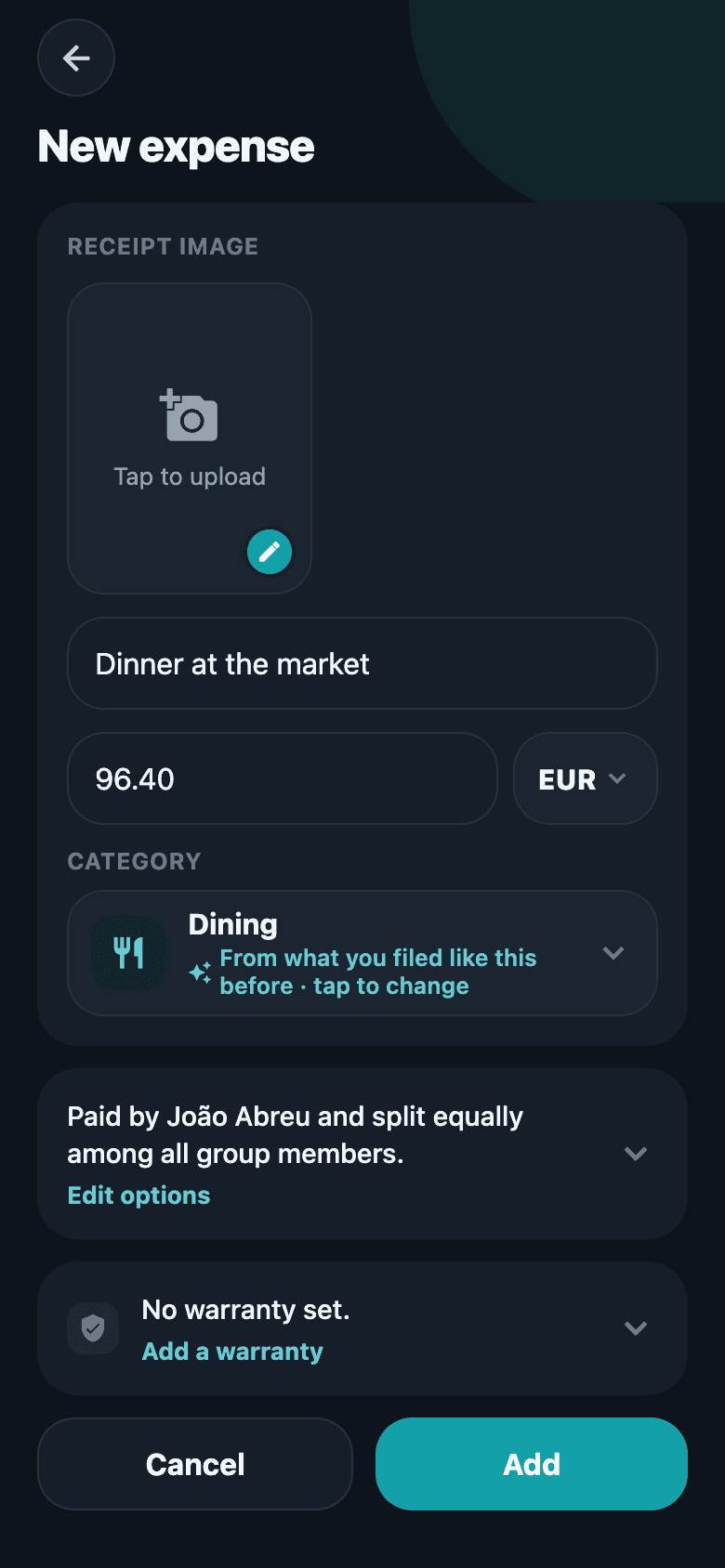
Type the amount, pick who paid, and choose who shares it — equally, by share, by exact amount or by percentage. Attach the receipt photo and the category is guessed for you.
The whole story of a group
Expenses, totals per person, the activity feed and comments live side by side, so nobody has to ask what a charge was for or when it landed.
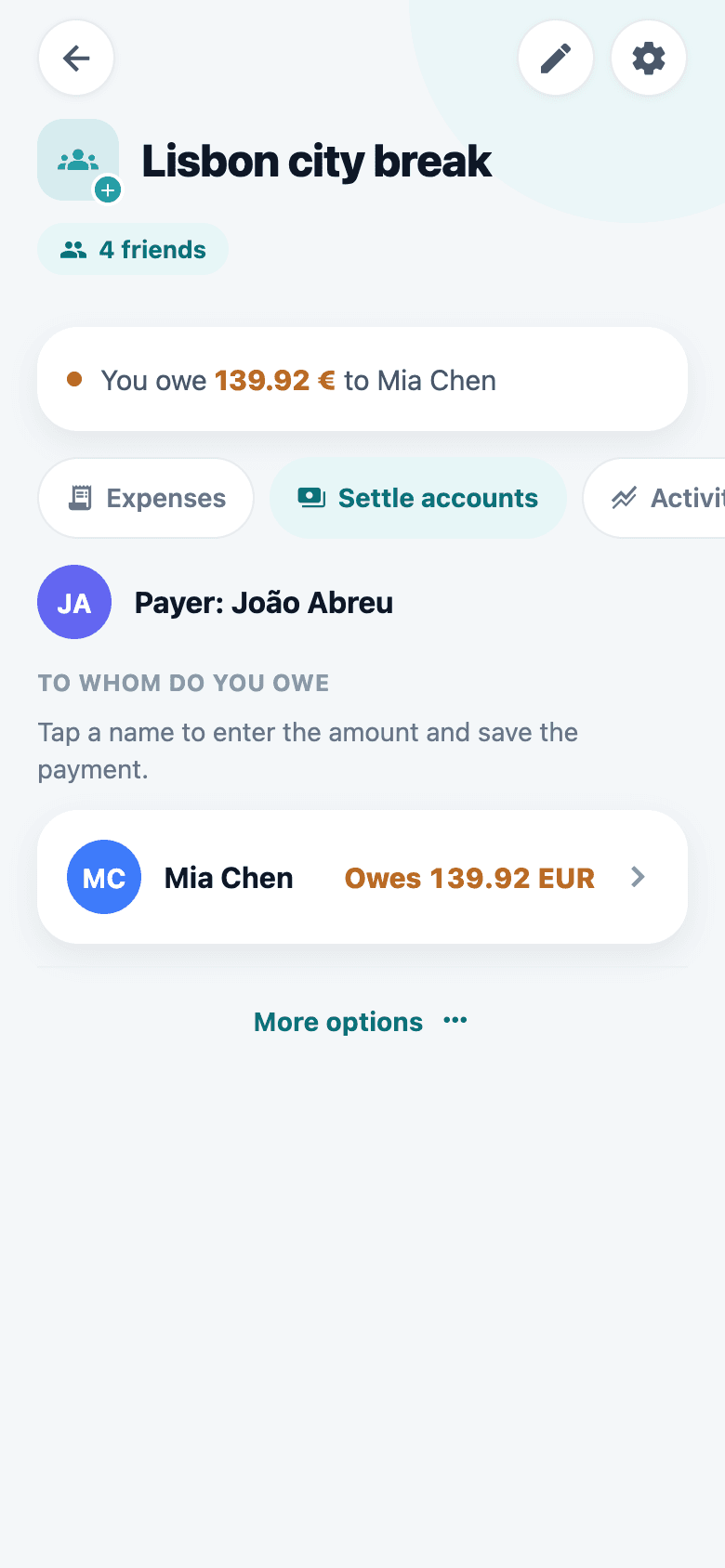
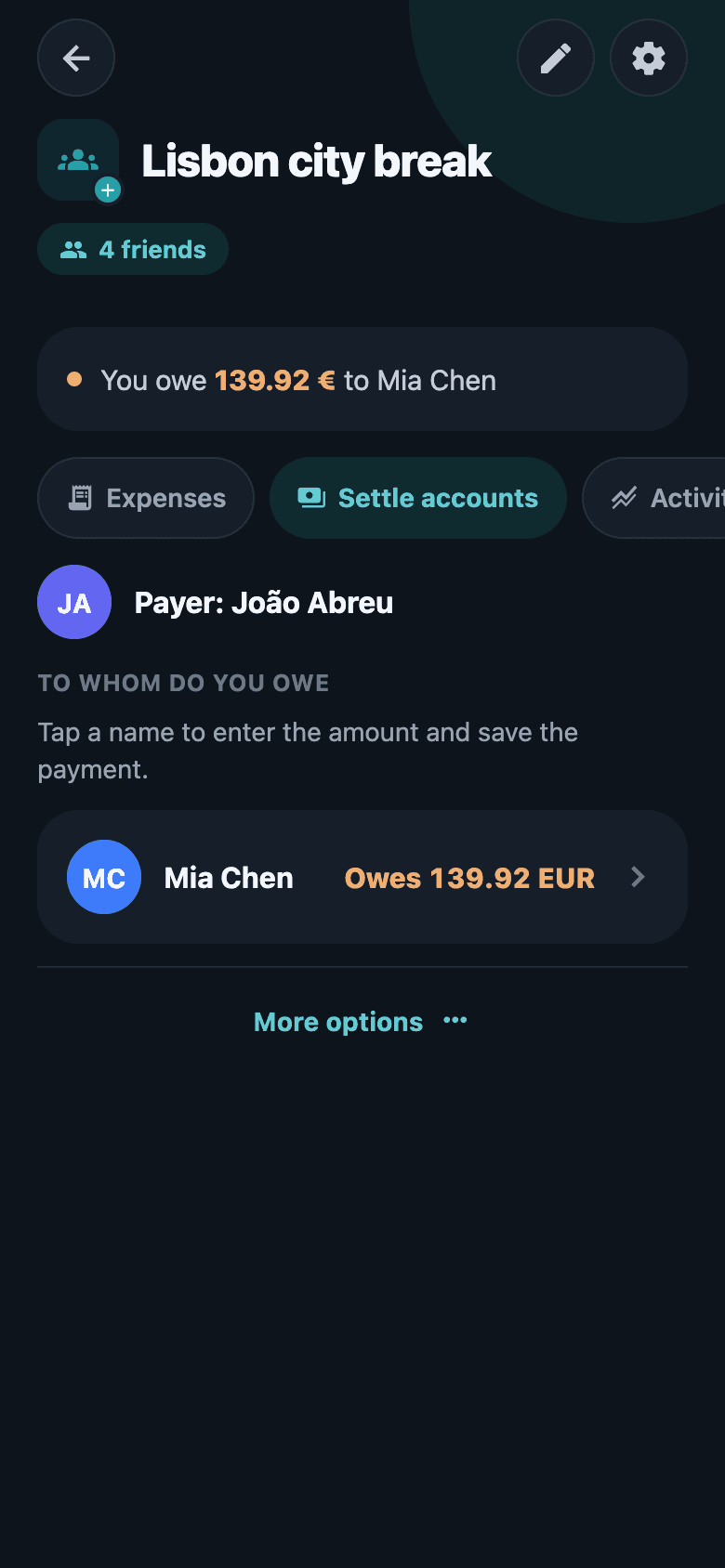
Settle up without the arithmetic
SplitRound works out the shortest set of payments that clears the group — pay one person instead of four — and records the settlement once it is done.
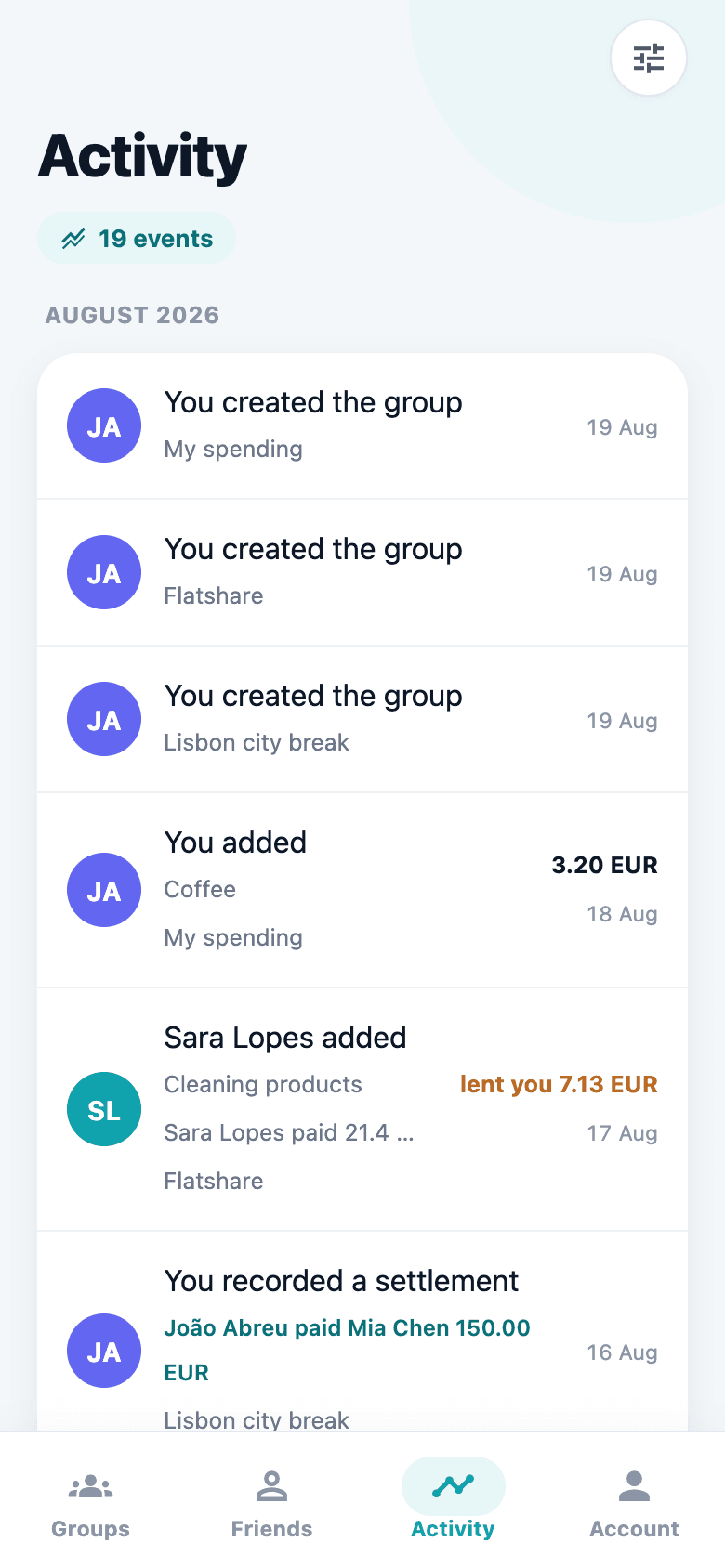
Nothing changes behind your back
Every expense added, edited or deleted shows up in the activity feed, and a push notification tells you the moment something touches a balance of yours.
Questions people actually ask
Does SplitRound move money?
No. It records who owes what and works out the simplest way to clear it. You pay each other however you already do — bank transfer, MB WAY, cash. In Portugal it goes one step further: in a euro group it shows the other person’s MB WAY number and opens MB WAY for you, then writes the payment down once you say it is sent. The transfer itself happens in their app, and there is still no bank or card connection to give SplitRound.
What does it cost?
Nothing. There is no paid tier, no advertising and no analytics SDK in the app.
Can I use it just for my own spending?
Yes. Make a personal group — a group of one, with your expenses, receipts and warranties in it, a budget if you want one and nothing to split. The server refuses to put a second member in a personal group, so nobody else can ever open it.
Can I see what I spend, not just who owes what?
Yes. Every group has a totals screen: the last months as bars, spending by category with what each one took of the period, and the group’s total beside your own share of it. Read it for this month or for everything since the group started. Set a budget — weekly, monthly, yearly, or one cap for all time — and it also marks how far through the period you are, so 86% spent tells you something different on the 25th than on the 3rd. Settling up never counts as spending.
What if we are not all paying an equal share?
Set how the group divides an expense once and every new one opens that way — by shares, by percentages, or between the households, where you say who lives with whom and each household pays for everyone under its roof. Six at the table can be three parties. And somebody who carries no share at all — the person who records everything and pays for nothing — can stay in the group and be left out of the accounts.
Can I bring history over from another app?
Yes. A Splitwise export, or a CSV or Excel file in the same shape, fills a group: the names in the file are matched against your own friends and you confirm each one before anything is written. An import replaces that group’s expenses rather than adding to them, so it is for filling a new group from elsewhere, not for topping one up.
Do I have to type the amount in?
Not if you photograph the receipt. SplitRound reads it on the phone itself — nothing is uploaded — and fills in the description, the amount, the currency and the category. If it reads the wrong line, tap the right one on the photo; and if you would rather type, the filling-in can be switched off while still picking values off the picture.
Can it keep track of warranties?
Yes. Put the purchase date and the cover length on the expense, and the group keeps a warranty list ordered by what lapses next — narrowed to a category, or to what ends in the next 30 days, three months or year. Switch the reminder on and a notification arrives a month before cover runs out.
Can I split with someone who has not installed it?
Yes. Add them as a friend with just a name, split with them straight away, and send them an invitation when you like. When they join, the history they were part of is already there.
Does it work in more than one currency?
Yes. Log an expense in the currency you actually paid in; exchange rates are refreshed daily so a group’s totals still add up in yours.
What happens to my data if I leave?
You can close your account from inside the app, and your personal data is erased immediately. Expenses you shared with a group stay with that group — other people’s balances depend on them — but your name is replaced everywhere with “Former member”.
Want the exact rules — who owns a group, what leaving does, how a split is worked out? How SplitRound behaves answers all of it.
Stop keeping score in your head.
SplitRound is free, and the next dinner is coming.